Before the first appointment
Open the player at reception and walk through the salon. A comfortable level by the desk can feel different at a treatment chair.
Try these previews at reception and by a treatment chair. Listen for a sound you would be comfortable hearing throughout a longer appointment.
A client may be with you for an hour, while your team hears the music all day. Look for a steady background that works during a consultation, a treatment and a wait at reception. Judge it with dryers and other equipment running.
An example salon day
Open the player at reception and walk through the salon. A comfortable level by the desk can feel different at a treatment chair.
Use a consistent channel while people arrive, talk and move between stations. Avoid relying on a staff member to pick a new playlist between appointments.
Try a calmer channel for a quieter part of the day. Schedule the change around your bookings, not an assumed universal salon timetable.
Choose the sound in the account and leave the player link on the reception device. When another person opens the salon, they use the same setup. For several addresses, choose channels and schedules for each location from the same account.
This English page serves more than one market. Select the venue’s country beside the prices; the page language does not set its licensing rules.
For a UK hair or beauty business, check its actual music use against PPL PRS requirements. In the US, identify the repertoire and the relevant rights holders. A reception player and an independent treatment-room stream should not be assumed to be one setup.
One location or a whole network. Find a starting point for your space.
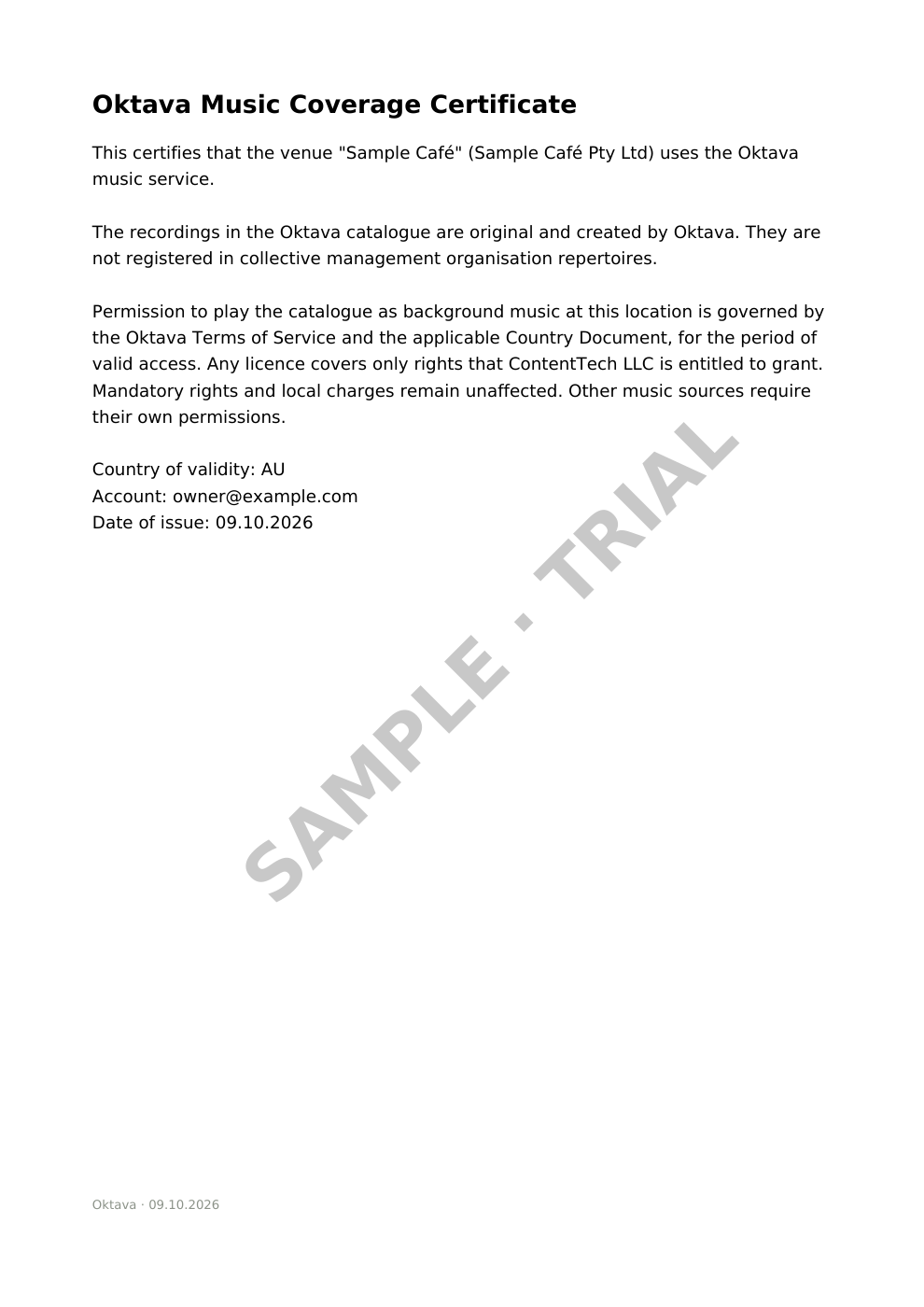
A certificate for your business, a staff memo and a playback log, together in your account.
Issued to your legal entity, with a number, validity dates and a QR code that leads to a public verification page.
Certificate sample →One page that tells your team what to say when someone asks about the music in the room.
An append-only record of every track played at your location — exportable whenever you need it.
Every feature is included in the one price — there are no tiers to compare. The subscription covers the full catalog with all channels, a certificate issued to your legal entity with QR verification, the staff memo, an append-only playback log with CSV export, and a player that keeps playing offline on any device with a browser. The same price replaces both the society fees and a music service subscription: the catalog is outside society repertoires, so nothing extra is owed for the music. Each location gets its own player link and its own line in the subscription; the annual plan adds two months free, and networks get a discount automatically at checkout — 10% per location from two locations, 20% from five. The trial lasts 7 days with no card, and you can cancel anytime — the paid period stays yours.
per location, per month
Billed monthly
per location, per month
Billed yearly: €150
100+ locations? Write to letters@oktava.app — we'll put together custom terms
You can manage each location in one account. Keep a similar choice across the business or set a different schedule where opening hours and services differ.
It should not be treated as soundproofing. Test the volume with equipment running and make sure staff and clients can still hear each other comfortably.
Confirm the number of independent players and the billing setup before adding a separate stream. A single location’s subscription is not a promise of unlimited independent zones.